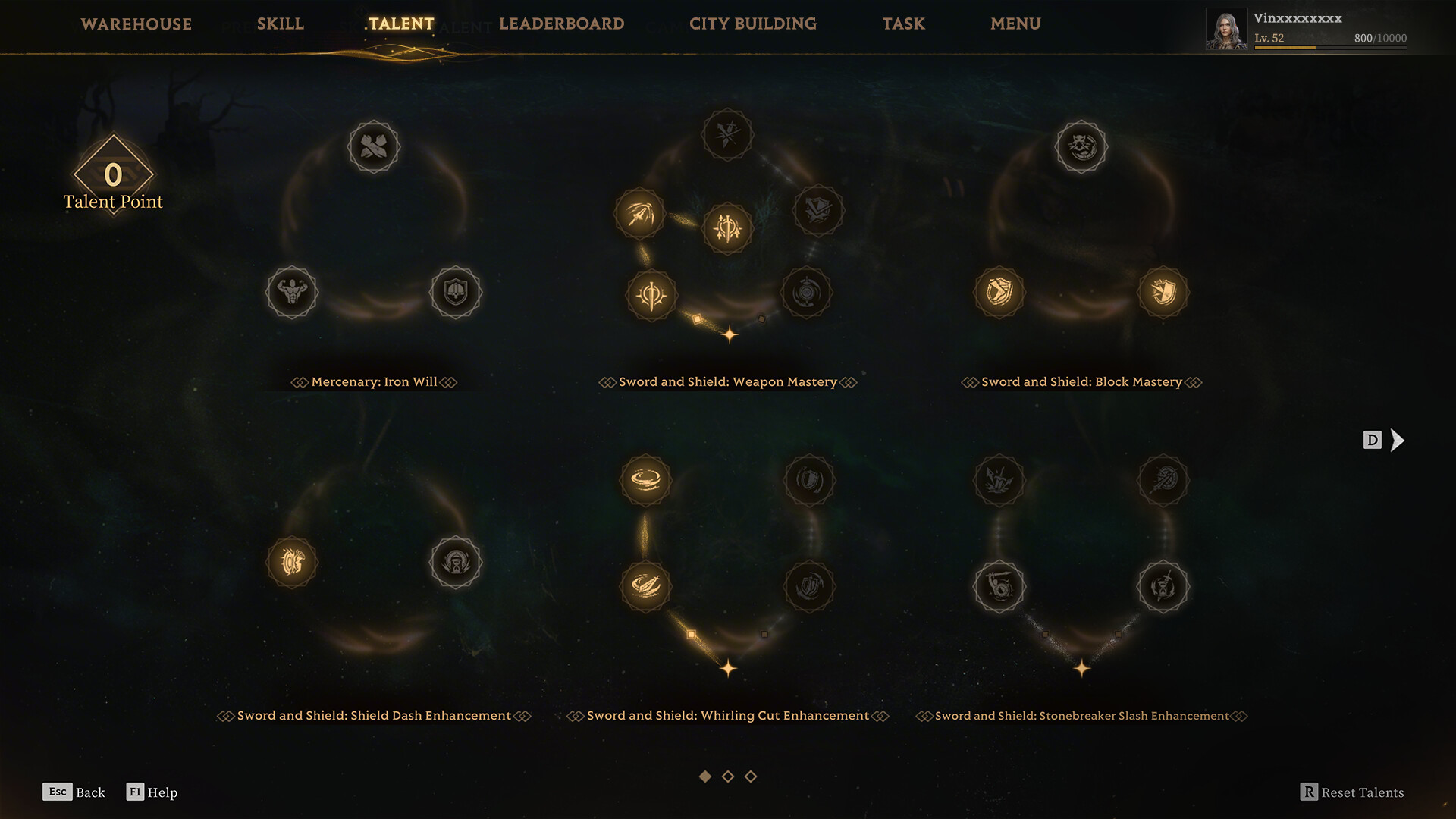
Official PC specs
| Area | Minimum | Recommended |
|---|---|---|
| OS | Windows 10 64-bit | Windows 10 64-bit |
| Processor | Intel Core i7-4770 / AMD Ryzen 5 1400 | Intel Core i7-9700 / AMD Ryzen 5 3600 |
| Memory | 12 GB RAM | 16 GB RAM |
| Graphics | NVIDIA GeForce GTX 1060 / AMD Radeon RX 580 | NVIDIA GeForce RTX 2070 / AMD Radeon RX 5700 XT |
| DirectX | Version 12 | Version 12 |
| Network | Broadband internet connection | Broadband internet connection |
| Storage note | SSD strongly recommended | SSD strongly recommended |
Source: Mistfall Hunter official Steam page, checked July 7, 2026.
What the specs mean for the live game
The minimum spec should be treated as an entry point, not a promise that every fight, traversal path, and effects-heavy encounter will feel smooth. Extraction games punish stutter harder than slower games because a short hitch can affect aiming, dodging, looting, and leaving a contested area.
Recommended CPU is the safer target.
The jump from i7-4770 / Ryzen 5 1400 to i7-9700 / Ryzen 5 3600 suggests that effects-heavy fights may benefit from stronger CPU headroom.
16 GB is the practical baseline.
12 GB is listed as minimum, but 16 GB gives more space for the game, operating system, overlays, voice chat, and browser tabs.
RTX 2070 / RX 5700 XT class is the recommended mark.
If you are near GTX 1060 / RX 580 class, plan to prioritize stable frame pacing over maximum visuals.
Use an SSD if you can.
The official note strongly recommends SSD installation. That matters for loading, traversal, and repeated performance tests.
Live-build performance prep
- Install on an SSD before your first serious session.
- Update GPU drivers, then avoid changing several driver-level overrides at once.
- Close capture overlays and browser video before the first baseline run.
- Start with the recommended preset if your PC is close to the recommended spec; start lower if it is near minimum.
- Run the same short route twice before judging stutter, because cache or shader behavior can change between passes.
- Use a stable FPS cap if camera turns feel uneven even at high average FPS.
For a copyable test result, use the Mistfall Hunter performance checklist. For a longer settings routine, use the Mistfall Hunter best settings prep. If your PC is below the official minimum GPU target or uses integrated graphics, start with the low-end PC and integrated graphics check. If your main question is whether DLSS, FSR, TSR, native, or frame generation feels smoother, use the upscaler and frame generation test order.
If your PC is near the minimum spec
- If your GPU is below GTX 1060 / RX 580 class, read the low-end PC check before assuming one settings change will solve it.
- Plan for medium or lower shadows, effects, reflections, and post-processing first.
- Keep texture quality reasonable until VRAM pressure is clearly involved.
- Turn off motion blur, film grain, and heavy camera effects if available.
- Use fullscreen or the smoother display mode found during testing.
- Do not test graphics settings while risking important gear.
If your PC meets recommended spec
Meeting the recommended spec does not guarantee perfect frame pacing in every launch build. Still test frame cap, VSync, fullscreen mode, upscalers, frame generation, and longer sessions one variable at a time. If you see high FPS but uneven motion, use the stuttering fix checklist or the focused upscaler test page before lowering every setting.
Visual reference
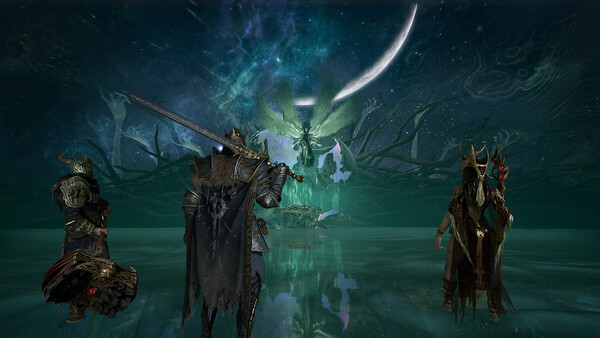
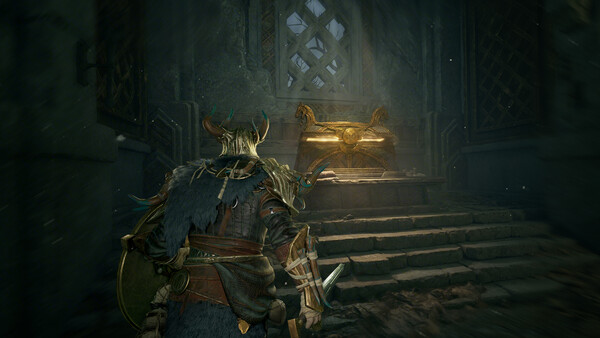
Use official screenshots to decide what to preserve while tuning: character silhouettes, dark-area readability, combat effects, and traversal routes matter more than maximum shadow quality.
FAQ
Does Mistfall Hunter require an SSD?
The official Steam page strongly recommends installing on an SSD for a better gaming experience. Treat SSD install as part of launch prep, especially if you are testing stutter or traversal loading.
Is 12 GB RAM enough?
12 GB RAM is the official minimum, but 16 GB RAM is the official recommended amount. For practical live-build testing, 16 GB is the safer target.
Will a GTX 1060 run Mistfall Hunter?
The GTX 1060 is listed in the minimum graphics requirement. If your PC is close to that level, start with conservative settings and focus on stable frame pacing before visual quality.
Should I change settings after a major update?
Keep a stable baseline, then recheck one setting at a time after major game patches or graphics driver updates.